High-Quality, Convenient Card Printing
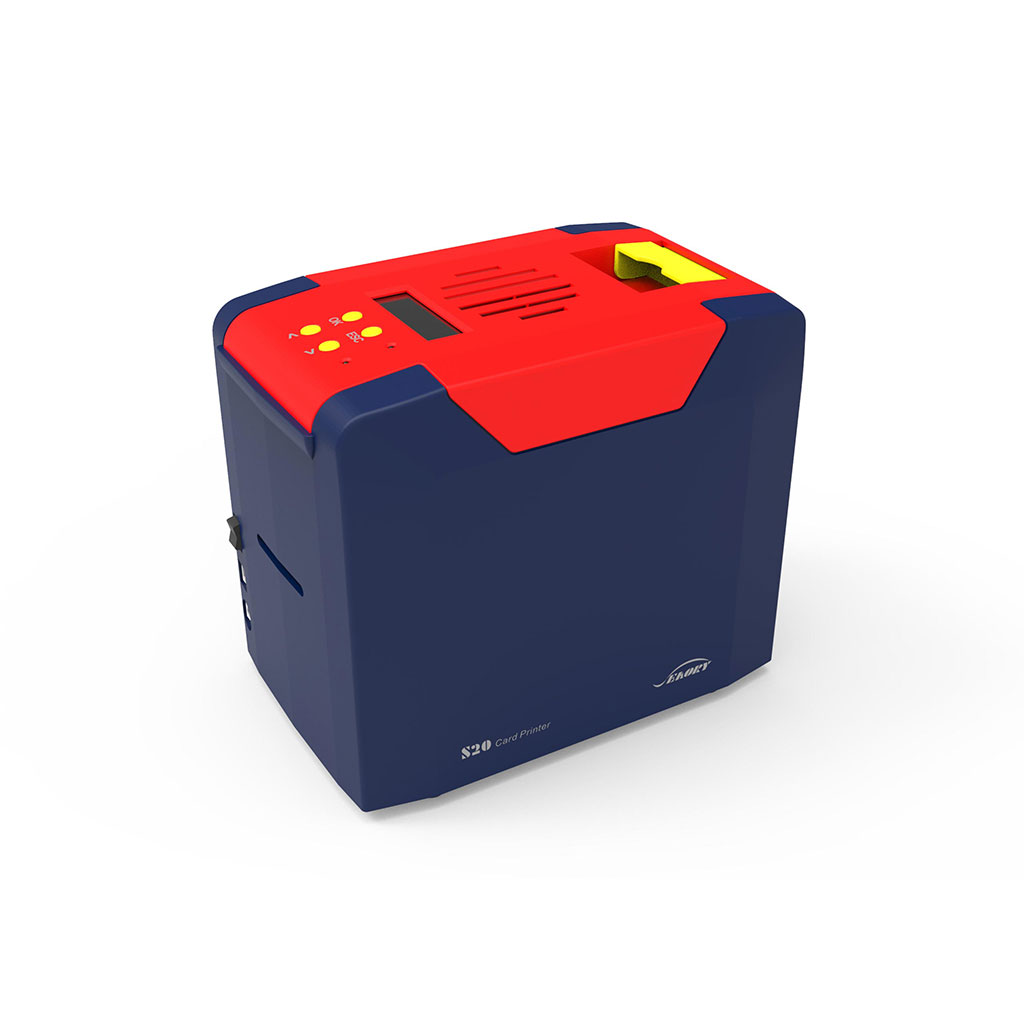
The SEAORY S20 Simplex Card Printer delivers outstanding card printing conveniently. It is suitable as a desktop printer in offices of all kinds, especially in noise-free environments, due to its silent operation and compact design.
As a simple but full-featured card printing solution, the SEAORY S20 is the first choice for various industries.
 Corporate
 Community
 Banking
 Healthcare
 Education
 Retail
 Transport
Beschreibung
Spezifikationen
Downloads und Support
Beschreibung
SEAORY S20 Features
HD Printing: With the default printing density of 300 DPI, the SEAORY S20 ensures high-definition printing for crisp and clear images. Even higher printing resolutions of 600 and 1200 DPI can be requested while ordering.
Full-Color Printing: Utilizing dye-sublimation printing technology with 256 gradations, the SEAORY S20 offers full-color printing, enabling vibrant and visually appealing card designs. Whether it’s text, numeric information, logos, or 1D/2D barcodes, this printer ensures exceptional print quality.
Smart Card Encoding: The SEAORY S20 supports encoding modules for both magnetic stripe cards and smart cards (contact and contactless RFID). This feature can be requested optionally while ordering the printer.
High Printing Speed: It can print up to 180 cards per hour (full-color) and up to 720 cards per hour (monochrome), making it a fast and efficient solution for high-volume printing needs.
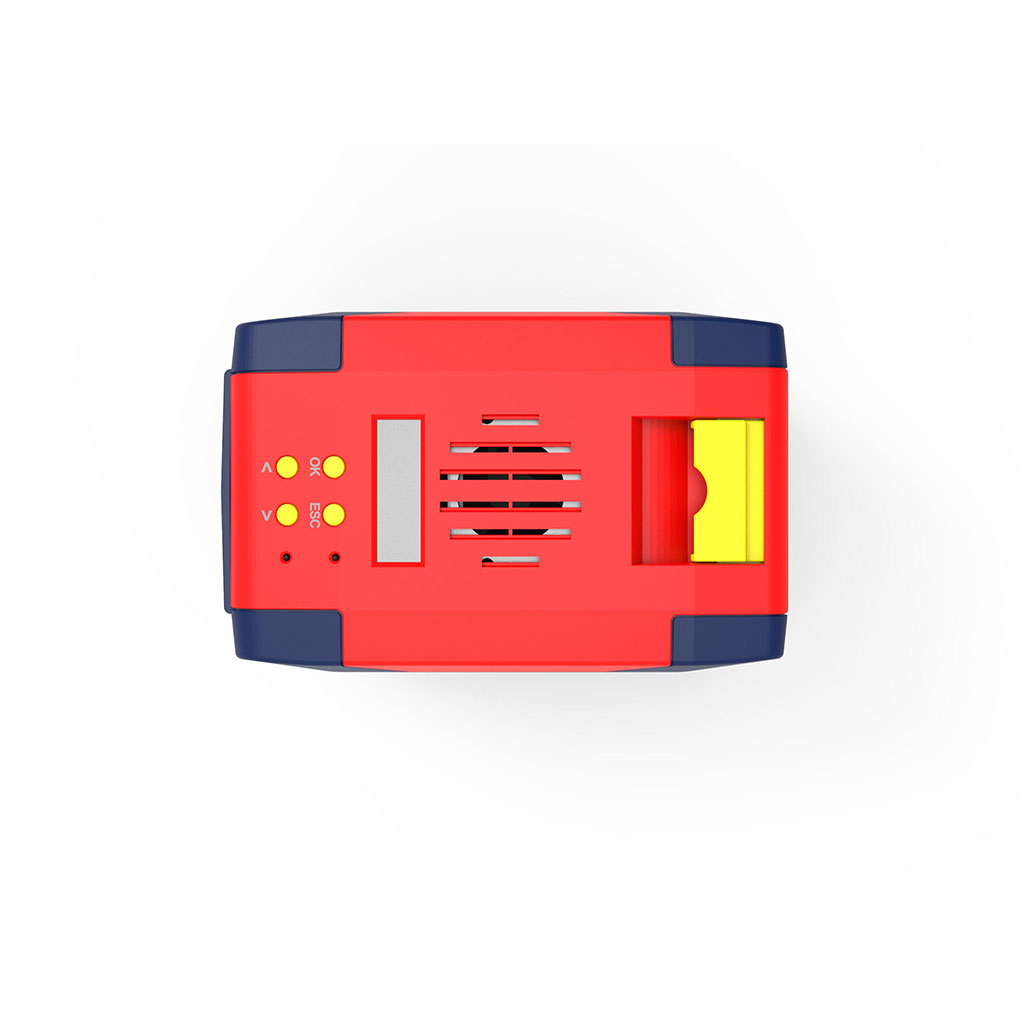
Design and Compatibility: The SEAORY S20 has a concise and user-friendly design with low-noise operation. It features an intuitive interface with LCM display in multiple languages and is compatible with all major operating systems, including Microsoft Windows (11, 10, 8, 7, XP) and Windows Server (2016/2012/2008/2003). You can also use this printer with Mac and Linux. A databases connection is available with completely independent IP rights.
Warranty and Support: The SEAORY S20 comes with a 24-month printer warranty and 1-year free replacement for the printhead (artificial damage excluded).
Included Accessories: The SEAORY S20 is accompanied by essential accessories, including a power cord, USB-cable, cleaning card, printer driver CD, and a quick install guide offering a complete package for hassle-free setup and maintenance.
Upgrade your card printing with the SEAORY S20
Spezifikationen
| Product Name | SEAORY S20 Simplex Card Printer |
| Printing Method | Dye Sublimation (Direct-to-Card) |
| Printing Resolution | 300 dpi x 300 dpi (Optional: 300 dpi × 600 dpi/300 dpi × 1200 dpi) |
| LCM Display | LCM |
| Memory | 128MB |
| Printing Speed | Monochrome Printing: 3 to 5 seconds per card (single-sided) Full Color Printing (YMCKO): 20 seconds per card (single-sided) |
| Card Size | ISO-CR80(85.6mm x 53.98mm) |
| Card Thickness | 0.3 – 1.05mm |
| Input Hopper Capacity | None |
| Output Tray Capacity | None |
| Dimensions | 244 × 160 × 208mm |
| Weight | 4.5Kg |
| Software | Driver: Supports Windows XP/7/8/10/11, Windows Server 2003/2008/2012/2016, Linux, and NeoKylin, Kylin, UOS, and other made-in-China operating systems. Development Kit: Supports Windows XP/7/8/10/11, Windows Server 2003/2008/2012/2016, Linux, and NeoKylin, Kylin, UOS, and other made-in-China operating systems. Card Design Software: iCARDE Card Design Software, supports Windows XP/7/8/10 operating systems. |
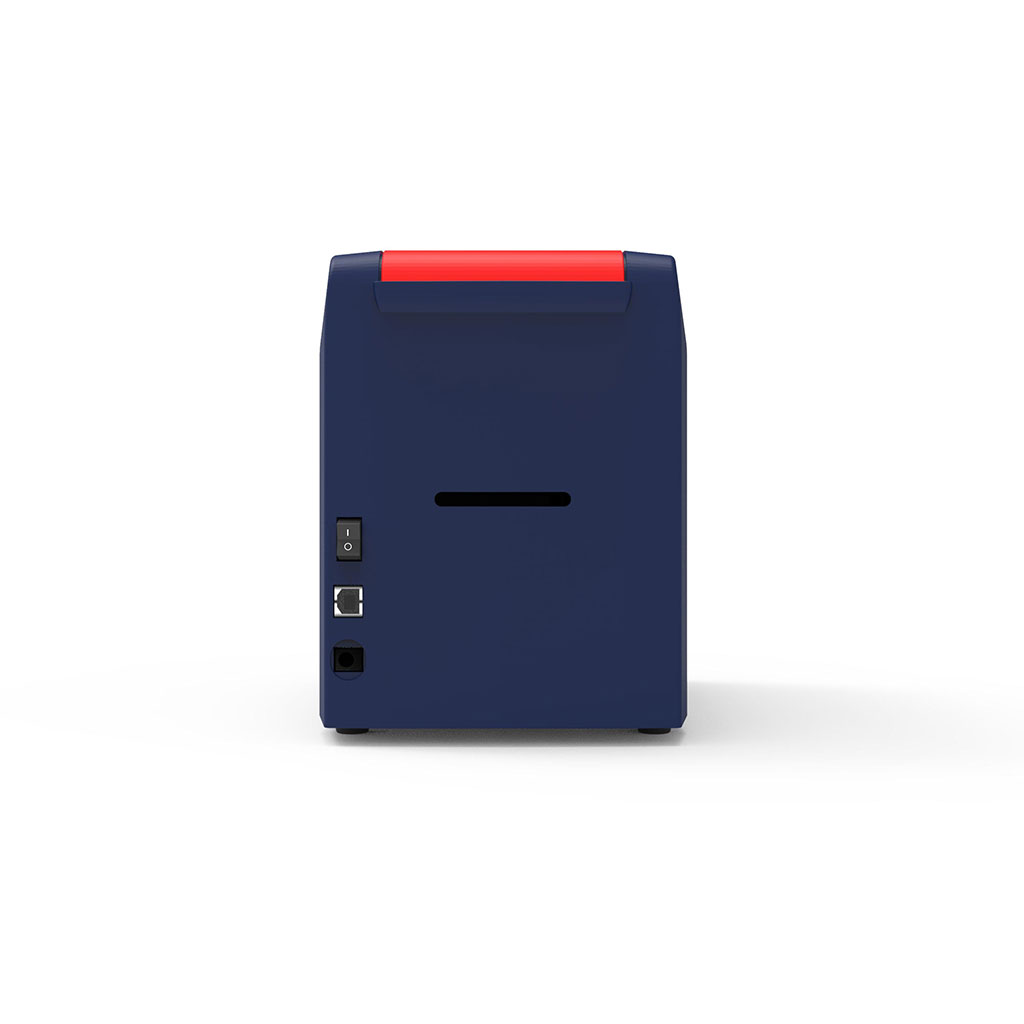
| Interfaces | USB & Ethernet |
| Power | AC 100~240V, 50/60 Hz DC 24-25.5V, 2.7 A |
| Operating Condition | Regular Operating Temperature: 15-30 °C (59-86 °F), 20% -65% relative humidity Non-condensing Lowest / Highest Operating Temperature: 0 (32) / 40 (104) 20% – 65% relative humidity Non-condensing |
| Consumables | Black Monochrome Ribbon: 100 m × 60 mm / 200 m × 60 mm Gold, Silver, White, Red, Blue Monochrome Ribbons: 100 m × 60 mm Full Area YMCKO Color Ribbon: 100 / 300 Prints / Roll 1/2 ymcKO Color Ribbon, 450 Prints / Roll KO, 500 Prints / Roll UV Security Ribbon: 100 m × 60 mm |
| Certifications | CCC, FCC, CE, ROHS, BIS, UKCA |
| Optional Encoding Module | Dual Interface Chip Card Read/Write Module: Support (ISO 7816, T = 1 & T = 0), 4 SAM Slots (Like SIM Card Size According to GSM 11.11), Support for Contactless CPU Cards (ISO14443 TYPE A/B), PC/SC Contactless ID Card Encoding Module: Support for Reading and Writing 125 kHz RFID Smart Cards (ATA5567, ATA5577, EM4469, EM4305, Hitag-s, and other common ID Chip Cards UHF Chip Card Encoding Module: EPC Support C1 GEN2 / ISO 18000-6C Air Interface Standard Protocol Magnetic Stripe Card Encoding Module: ISO 7811 Support Hico/Low-Co, 3-Track Read & Write |
Downloads und Support
Seaory S20 Card Printer Catalogue
Seaory S20 Card Printer Quick User Guide
Seaory S20 Card Printer User Manual
Wir bieten technischen Support und Wartung für alle unsere Produkte an. In unserer eigenen Werkstatt stehen Ihnen erfahrene Techniker zur Verfügung, um Probleme zu diagnostizieren und zu beheben. Zudem bieten wir eine Vielzahl nützlicher Informationen in unserem Hilfezentrum an, um sicherzustellen, dass Sie das Beste aus Ihrem Produkt herausholen.
Sie erreichen uns per Telefon, E-Mail oder Anfrageformular.